
Plan a trip
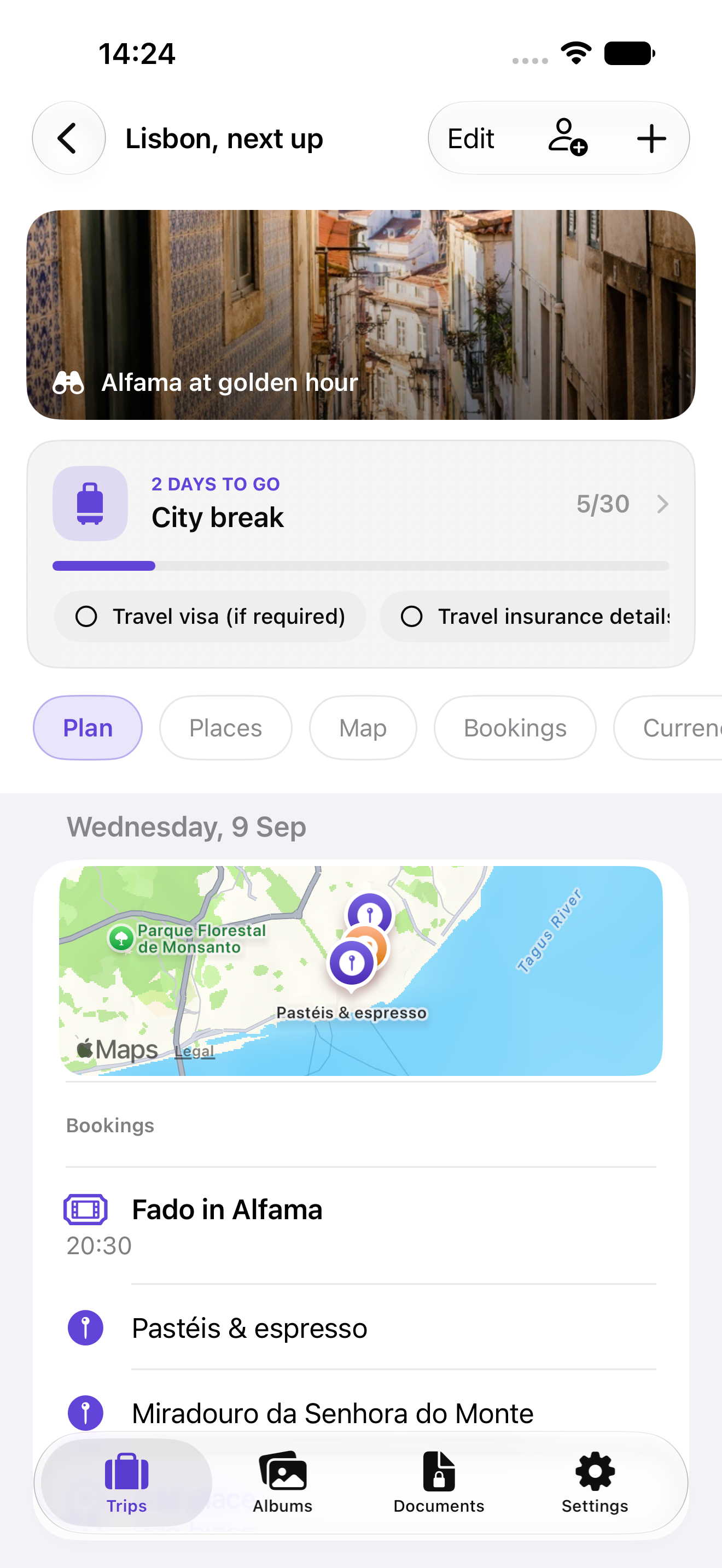
Keep the route, places, bookings, packing list and notes together in one trip.
TravelBud support
Clear answers for planning, shared trips, private travel details, albums and travel books.
Start here
Keep the route, places, bookings, packing list and notes together in one trip.
Build albums and travel books from the moments and details you want to remember.
Use the device-protected document vault for the travel details you do not want in a shared trip.
Common questions
Your trip lives on your device. When iCloud is available, TravelBud can use your Apple account to synchronise trip content between your devices and to share a trip with people you invite.
Each permission supports an action you choose: selecting photos for an album, finding or saving places, or scanning a ticket or private document. You can change permissions at any time in iOS Settings.
No. TravelBud keeps document-vault content on the device in a protected local store. It is not included in CloudKit trip sharing or iCloud trip sync.
Shape what comes next
Ideas, rough edges and small delights all help us improve TravelBud. Your email app opens with the message you write; you decide whether to send it.
Still need a hand?
A public support address will be added when a monitored inbox is ready.